
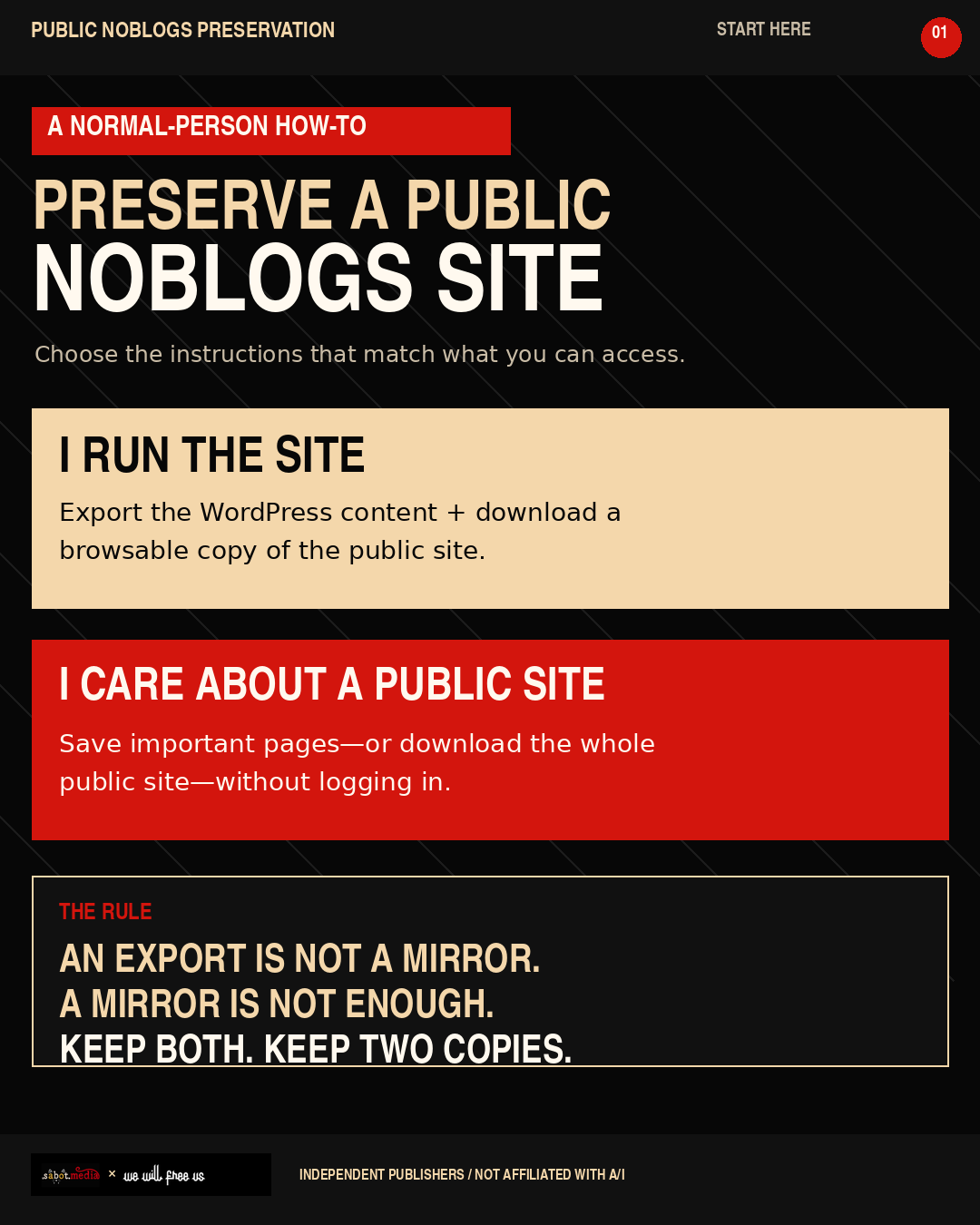
Preserve a Public Noblogs Site
Public movement history should not disappear because a server, provider or domain does.
If you run a Noblogs site, save two different things:
A WordPress export containing the material needed to rebuild the site.
A static mirror showing the public site as readers actually saw it.
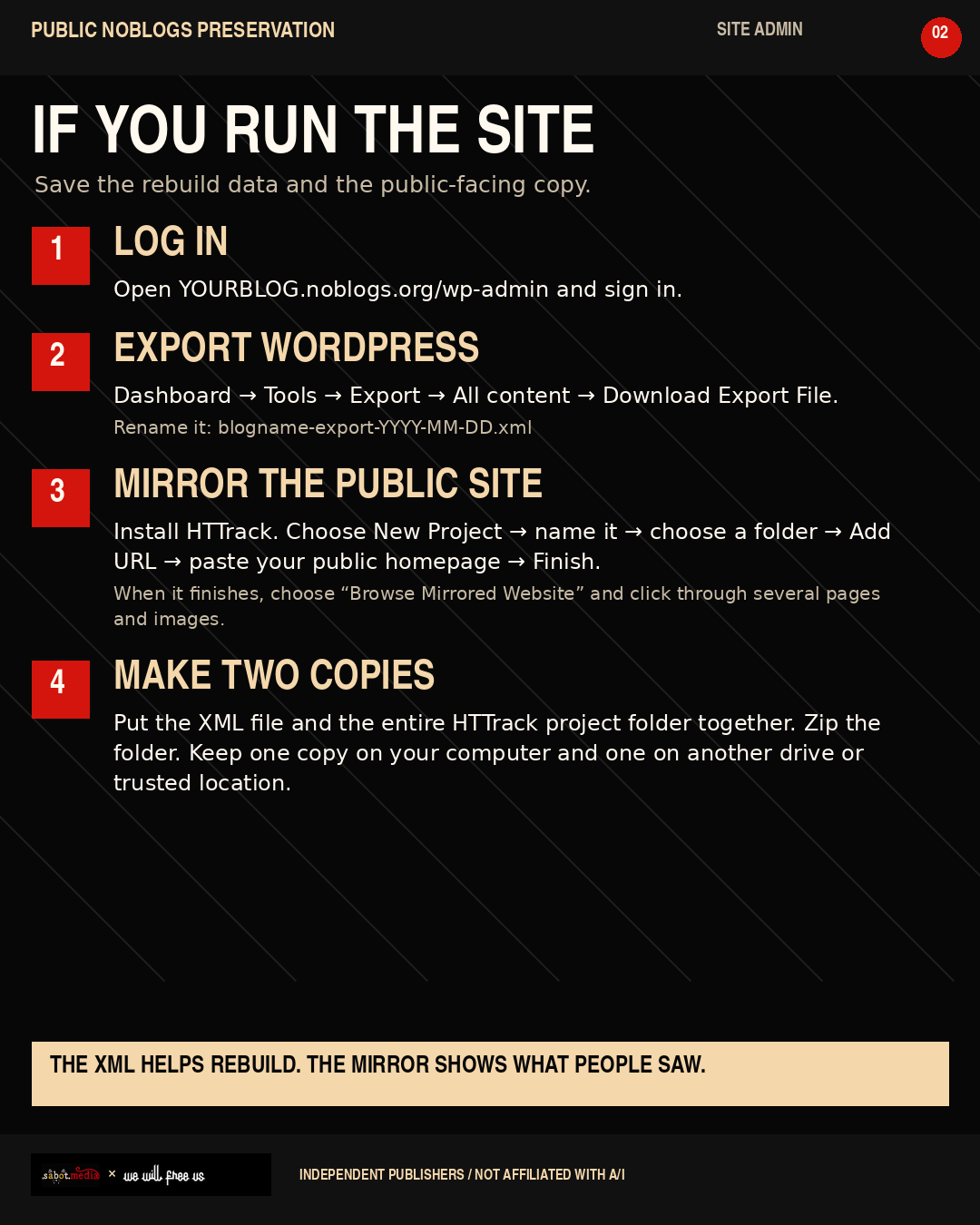
If you administer the site
Open YOURBLOG.noblogs.org/wp-admin and sign in.
In the dashboard, select Tools → Export.
Select All content, then press Download Export File.
Rename the downloaded file blogname-export-YYYY-MM-DD.xml.
Install the free, open-source program HTTrack.
Open HTTrack and select Next or New Project.
Give the project your blog’s name and choose where the backup should be stored.
Select Add URL, paste the complete public homepage address, then select Next → Finish.
When the download finishes, choose Browse Mirrored Website. Open several posts, archive pages, images and downloadable files to make sure they work.
Put the WordPress XML file and the entire HTTrack project folder inside one clearly dated folder. Keep one copy on your computer and another on a separate drive or trusted location.
The XML export does not preserve the site’s appearance. The HTTrack mirror is not a replacement for the WordPress export. Keep both.
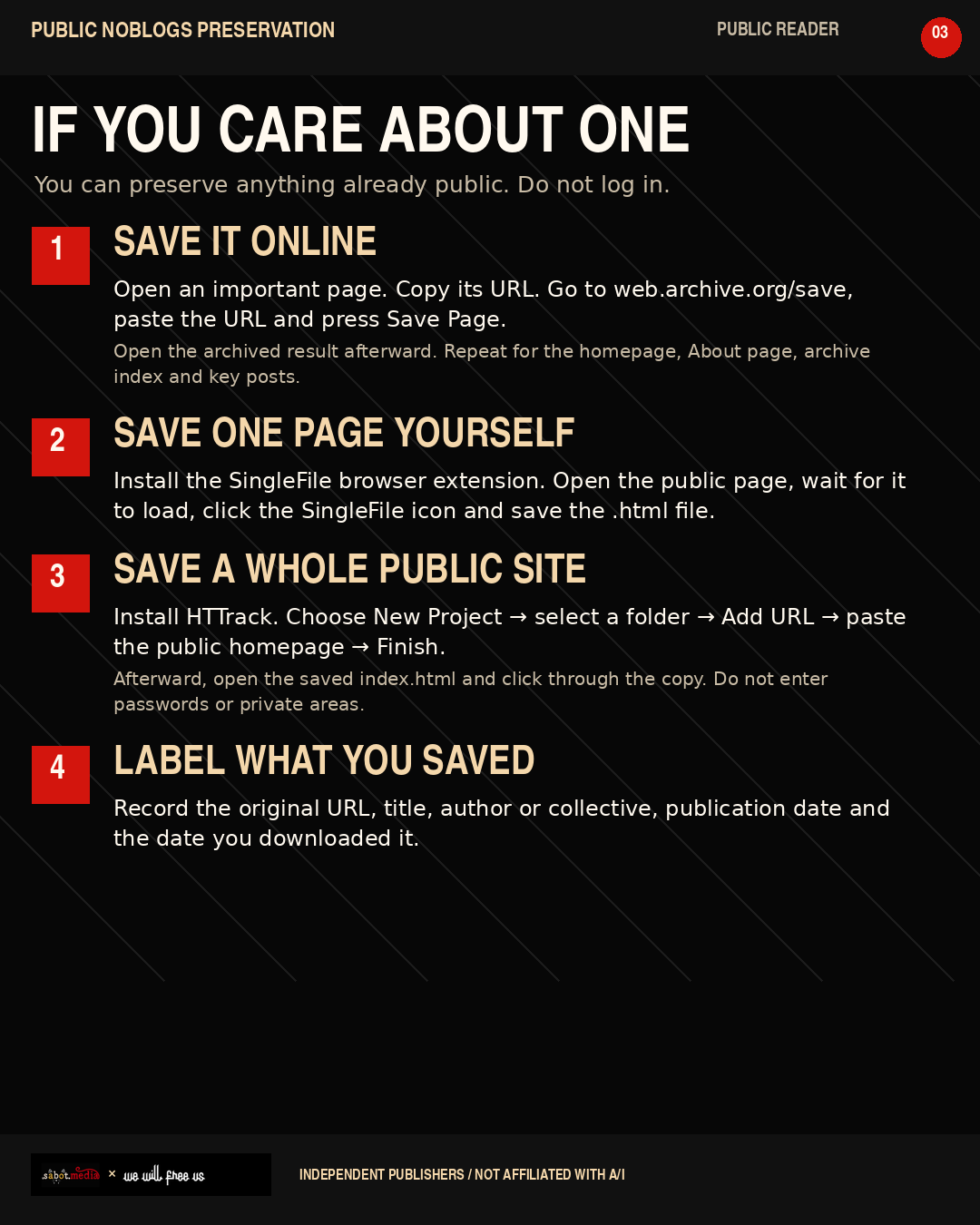
If you are preserving someone else’s public site
For an important individual page:
Open the public page and copy its complete URL.
Go to Internet Archive: Save Page Now.
Paste the URL and press Save Page.
Open the archived result and confirm that it works.
Install the free, open-source SingleFile browser extension.
Return to the original public page, wait for it to finish loading, click the SingleFile icon and save the resulting .html file.
For a whole public site, follow the HTTrack instructions above using the public homepage. Do not sign in, enter passwords or attempt to reach private pages.
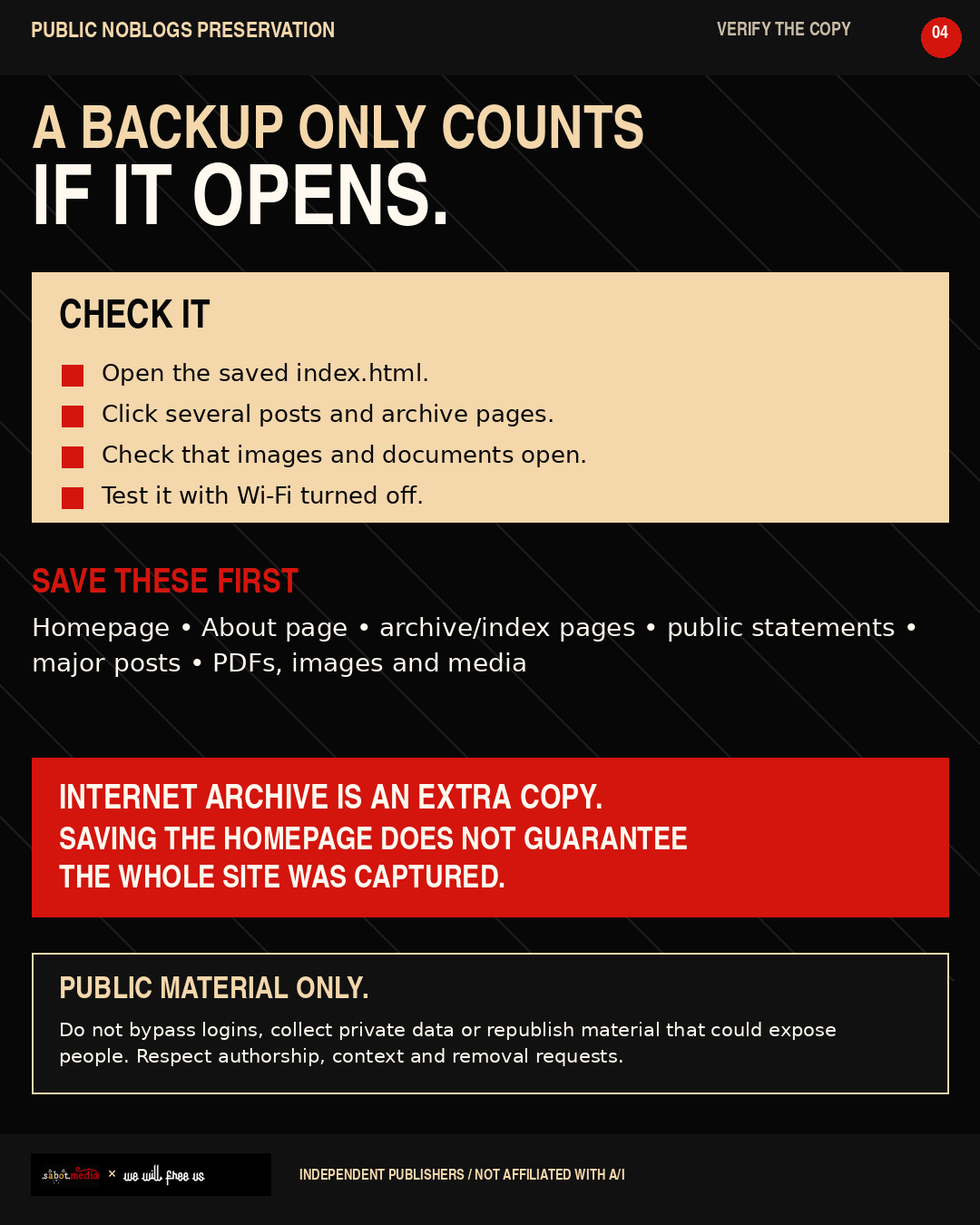
Record the page title, author or collective, original URL, publication date and the date you saved it. Internet Archive is an additional copy, not your only copy. Submitting a homepage does not guarantee that the Archive captured every linked page.
Finally, test the local backup with Wi-Fi turned off. Open its index.html, click through several pages, and make sure images and documents load.
Preserve public material only. Do not bypass logins, collect private data or republish material that could expose people. Respect authorship, context and removal requests.
An export is not a mirror. A mirror is not enough. Keep both. Keep two copies.
#Noblogs #InternetArchive #DigitalPreservation #MovementArchives #AutisticiInventati #ResistantCommunication #IndependentMedia
#SabotMedia
@AberdeenLocal1312@kolektiva.social
another esay way to download whole website and make it offline readable inkl. dynamic sites use
"wget -r -k -E -l 8 http://example.com"
it makes a 1:1 snapshot with all little files. it works perfect to archive your site.
https://hackershell.noblogs.org/post/2015/02/18/download-von-webseiten-mit-wget/